
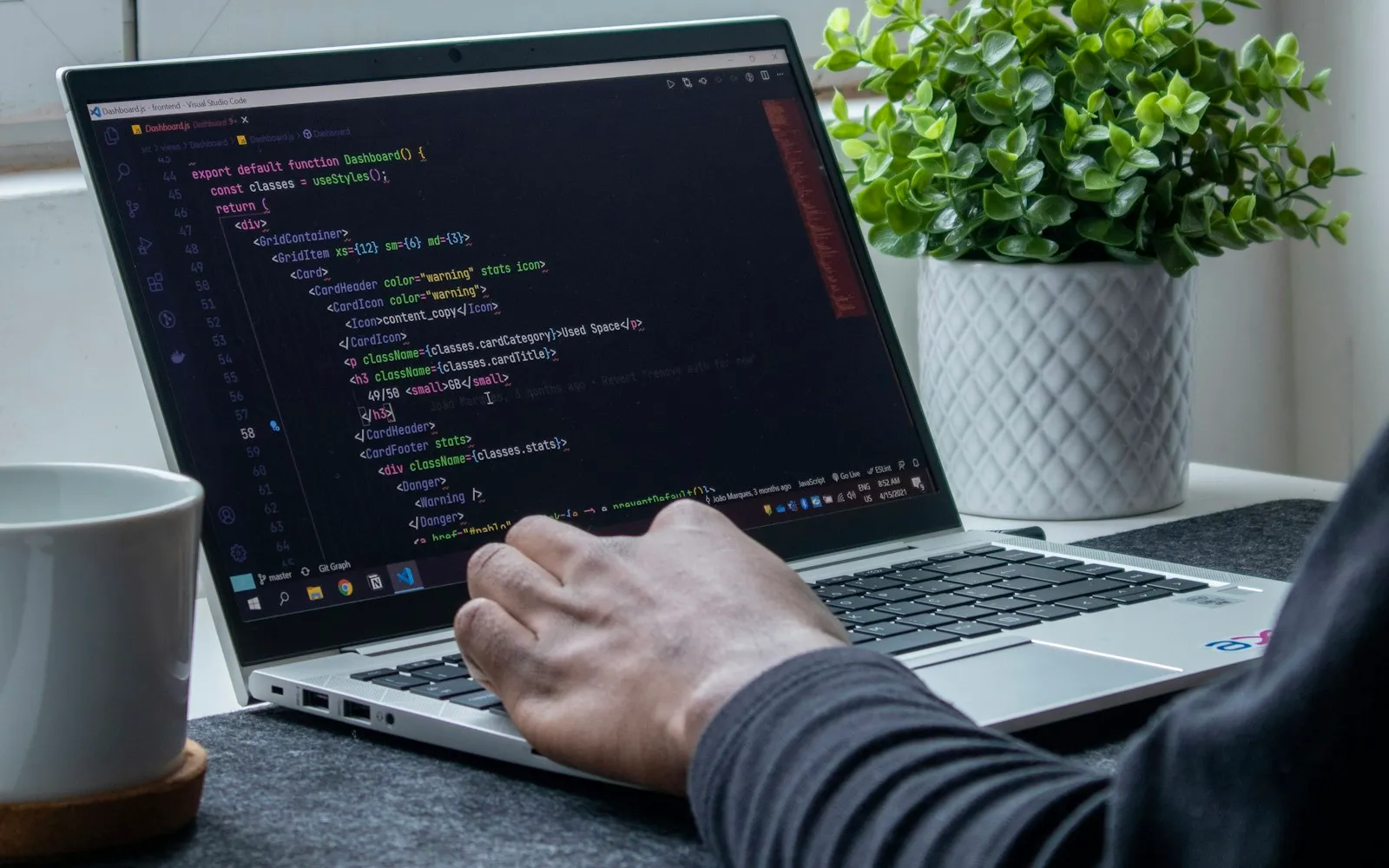
A WordPress website is never really “finished”. WordPress itself, your theme and your plugins release updates regularly, and the web keeps changing. WordPress maintenance keeps your site secure, fast and working, so it keeps bringing in customers instead of problems.
What WordPress maintenance includes
- Updates: WordPress core, theme and plugins, tested so nothing breaks.
- Backups: regular copies of your files and database, stored away from your server.
- Security checks: malware scans, login protection and monitoring for suspicious activity.
- Uptime monitoring: an alert when the site goes down, so it can be fixed quickly.
- Speed checks: image optimisation, caching and cleaning up what slows the site.
- Small content changes: new text, images, prices or opening hours.
What happens without maintenance
Outdated plugins are one of the most common ways websites get hacked. A site can also break after an automatic update, or slowly become slower as content grows. Without backups, one bad day can mean losing years of work.
How often should it be done?
Most business websites need a check at least once a month, with security monitoring and backups running in the background all the time. Online shops and booking sites, which handle customer data and payments, need closer attention.
Doing it yourself or getting help
You can manage updates yourself if you are comfortable with WordPress and always take a backup first. If your website is important to your business, a maintenance plan saves time and gives you someone to call when something goes wrong.
Want someone to look after your website?
Frequently asked questions
What is WordPress maintenance?
Regular updates, backups, security checks and monitoring that keep a WordPress website safe, fast and working.
How often should I update WordPress?
Check for updates at least monthly and apply security updates as soon as possible, after taking a backup.
Can a website break after an update?
Yes, occasionally. That is why updates should be tested and a fresh backup kept before updating.