
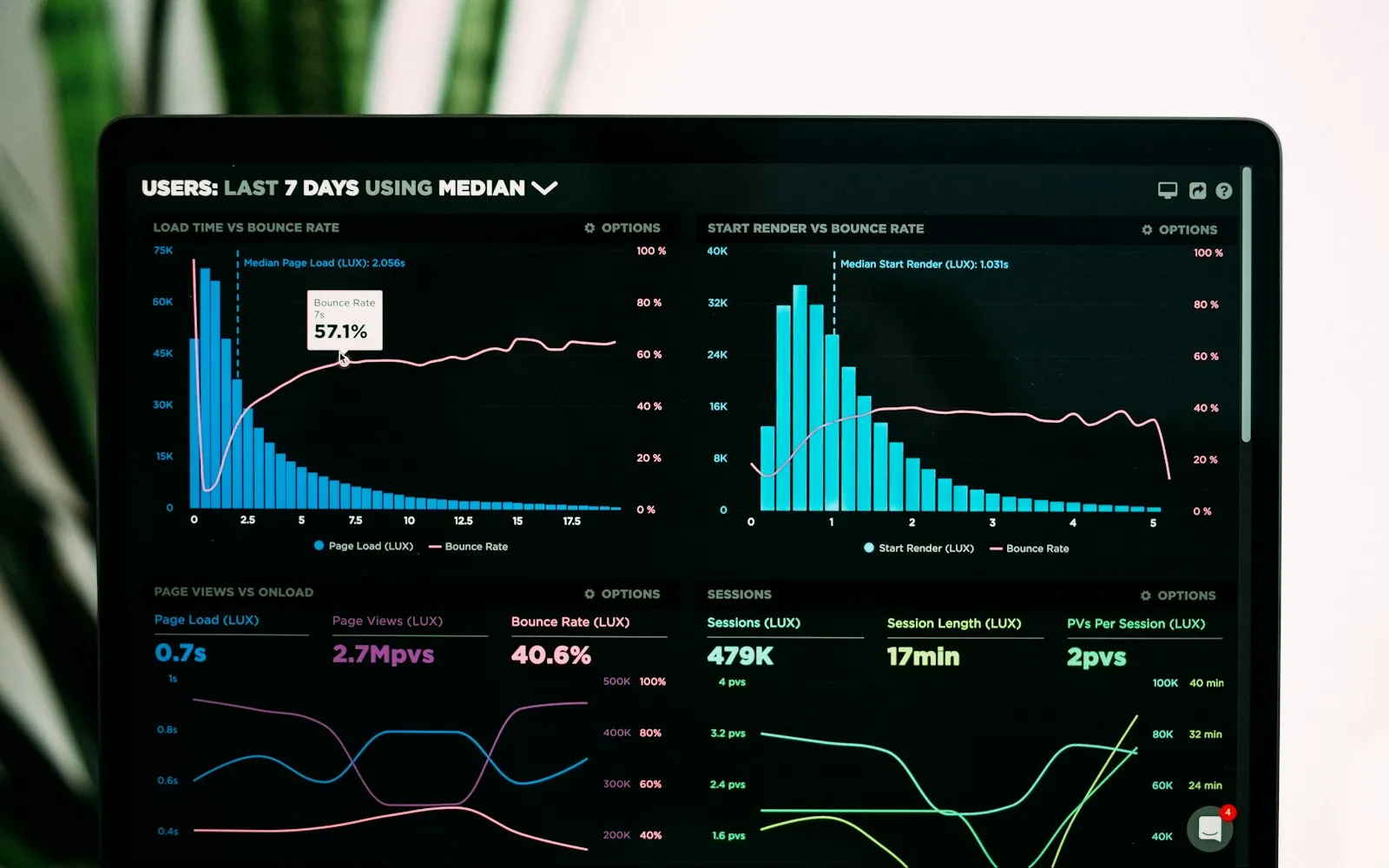
Visitors are impatient. If a page takes too long to load, many leave before they see what you offer. Website speed affects how many people stay, how many buy, and how well you rank on Google.
How Google measures speed
Google uses Core Web Vitals to judge the experience of a page: how fast the main content appears (Largest Contentful Paint), how quickly the page responds to taps and clicks (Interaction to Next Paint) and how stable the layout is while loading (Cumulative Layout Shift).
What usually slows a website down
- Large, uncompressed images
- Too many plugins or heavy page builders
- Slow or overloaded hosting
- Lots of external scripts: chat widgets, trackers, fonts
- No caching
How to make your website faster
- Optimise images: resize them and use modern formats like WebP.
- Remove what you do not need: unused plugins, scripts and old features.
- Use caching: so pages do not have to be rebuilt for every visitor.
- Choose good hosting: fast servers close to your visitors.
- Use a lightweight theme: modern block themes load less code.
- Test regularly: use Google PageSpeed Insights after every big change.
Speed is part of SEO
A fast site is easier for Google to crawl and gives visitors a better experience, which helps rankings. It also makes your marketing work better: every ad click or social post lands on a page that loads quickly.
Is your website slow?
Frequently asked questions
Does website speed affect SEO?
Yes. Page experience, including speed, is one of the signals Google uses.
How can I test my website speed?
Use Google PageSpeed Insights, which also shows your Core Web Vitals.
What is the quickest way to speed up a website?
Optimise images and remove unnecessary plugins and scripts.